Does your customer need to track a service, check orders or receive a useful update? Define what people will do and why they will return before choosing technology. A PWA or store-distributed app should support that experience.
What is a PWA in practice?
A Progressive Web App uses web technologies. On compatible browser and device combinations, it can be installed and opened in its own window. Installation and available capabilities vary across platforms, as MDN explains. A mobile-friendly website alone does not define the entire experience.
MDN — Instalação de aplicações web ↗When should you assess a PWA or store-distributed app?
RAQO recommends identifying essential capabilities first: camera access, offline use, notifications, distribution, system integration and target devices. Validate compatibility, then compare development, maintenance and rollout.
A PWA may suit a customer portal or recurring self-service task. A store-distributed app may fit platform-specific capabilities or a particular distribution strategy. Avoid assuming one option is always cheaper or can do everything the other supports.
How do push notifications work?
The Push API lets web apps receive server messages, including when not in the foreground, in supported environments and for users who opt in. Implementation uses a service worker and push subscription. Permission, device settings and platform support must be verified.
MDN — Push API ↗An example: a repair workshop app
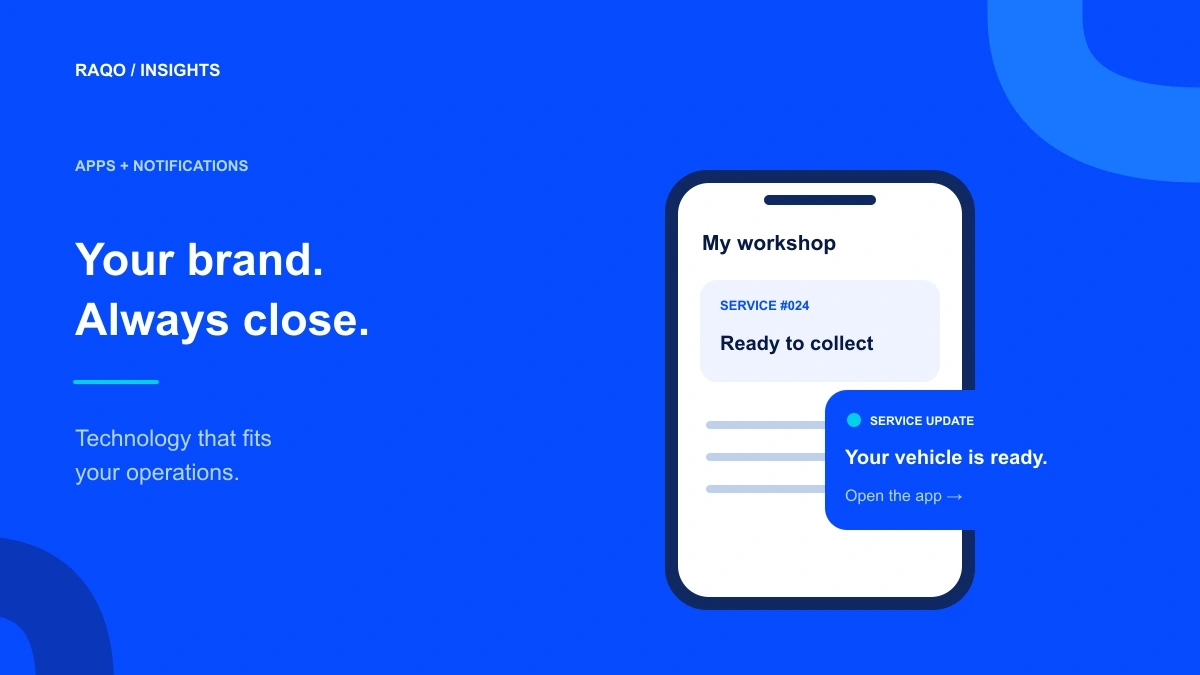
Consider a fictional workshop app where customers view quotes, follow progress and receive a ready-for-collection update. Push invites them to open current information; it should not be the only record of an important step.
The workshop system confirms status changes. On opening, the app retrieves the current state rather than relying on an old notification. Approving a quote requires customer identification and confirmation within the defined workflow.
Ask for permission when the value is clear
Explain the intended updates before requesting authorization. Someone following their first service has more context to decide than a first-time visitor.
Offer preferences for operational and promotional messages according to scope and applicable rules. Avoid exposing personal details on a lock screen. If push is not received, the app should still show updates and current status when the customer signs in.
What should be tested before launch?
List the devices and browsers your audience actually uses. Test the complete experience, including notification refusal and device changes. Working on a developer’s computer is not a sufficient acceptance criterion.
- First access, installation where supported and account login.
- Permission accepted, refused and later changed.
- Opening the correct screen with authentication when required.
- Old, repeated or outdated updates.
- Offline behavior and refresh after reconnecting.
- Communication preferences and account recovery.
Build an experience with recurring value
An app should help customers complete something: check, track, request or confirm. Start with a real operational journey and connect it to the system owning the information. This guides RAQO’s screens, integrations and evolution plan.
Frequently asked questions
Can a PWA receive mobile notifications?
Yes, on compatible combinations and subject to platform installation, permission and support requirements. Validate compatibility within the project.
Is push delivery guaranteed?
Do not treat push as guaranteed reading or immediate delivery. Settings, connectivity and platform conditions can interfere.
Can the app use my existing system’s data?
This can be assessed based on integration availability and security. Define which records are accessed and who can access them.
Official sources
MDN — Instalação de aplicações web ↗MDN — Push API ↗Accessed November 3, 2026. Project checklists and examples in this article are RAQO editorial proposals.